Create your event album
Add your company name, event name, date.
Share one QR code and let your team, speakers and guests add their photos and videos to your event album in Google Drive.
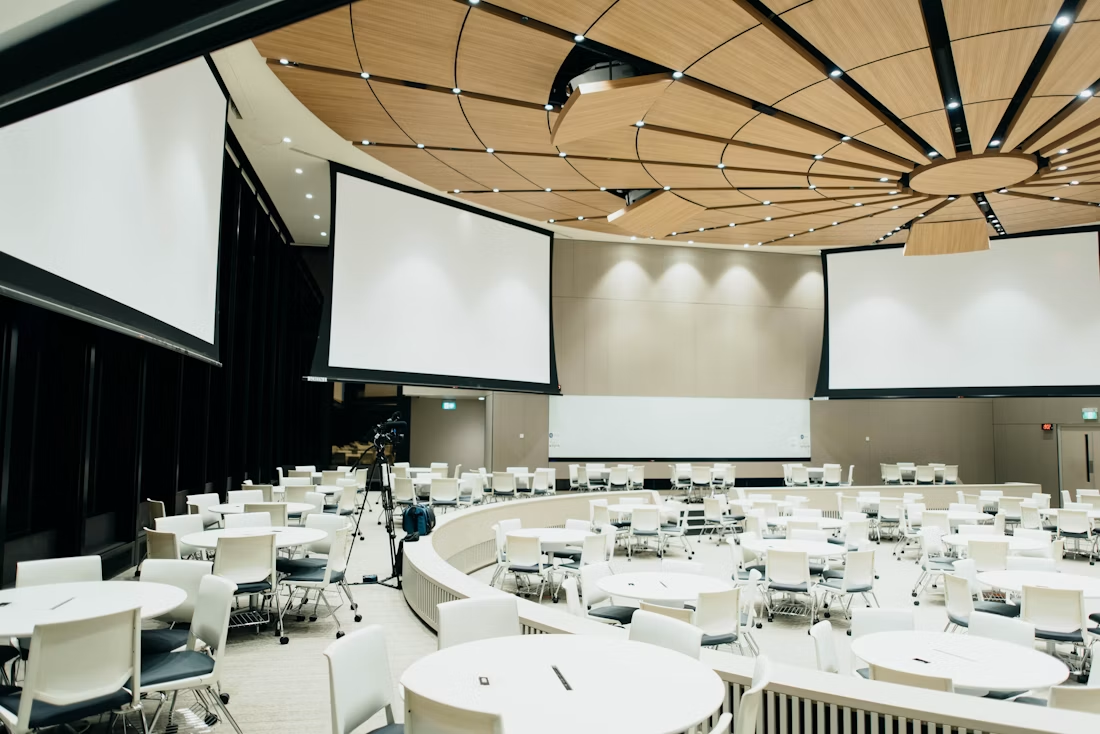

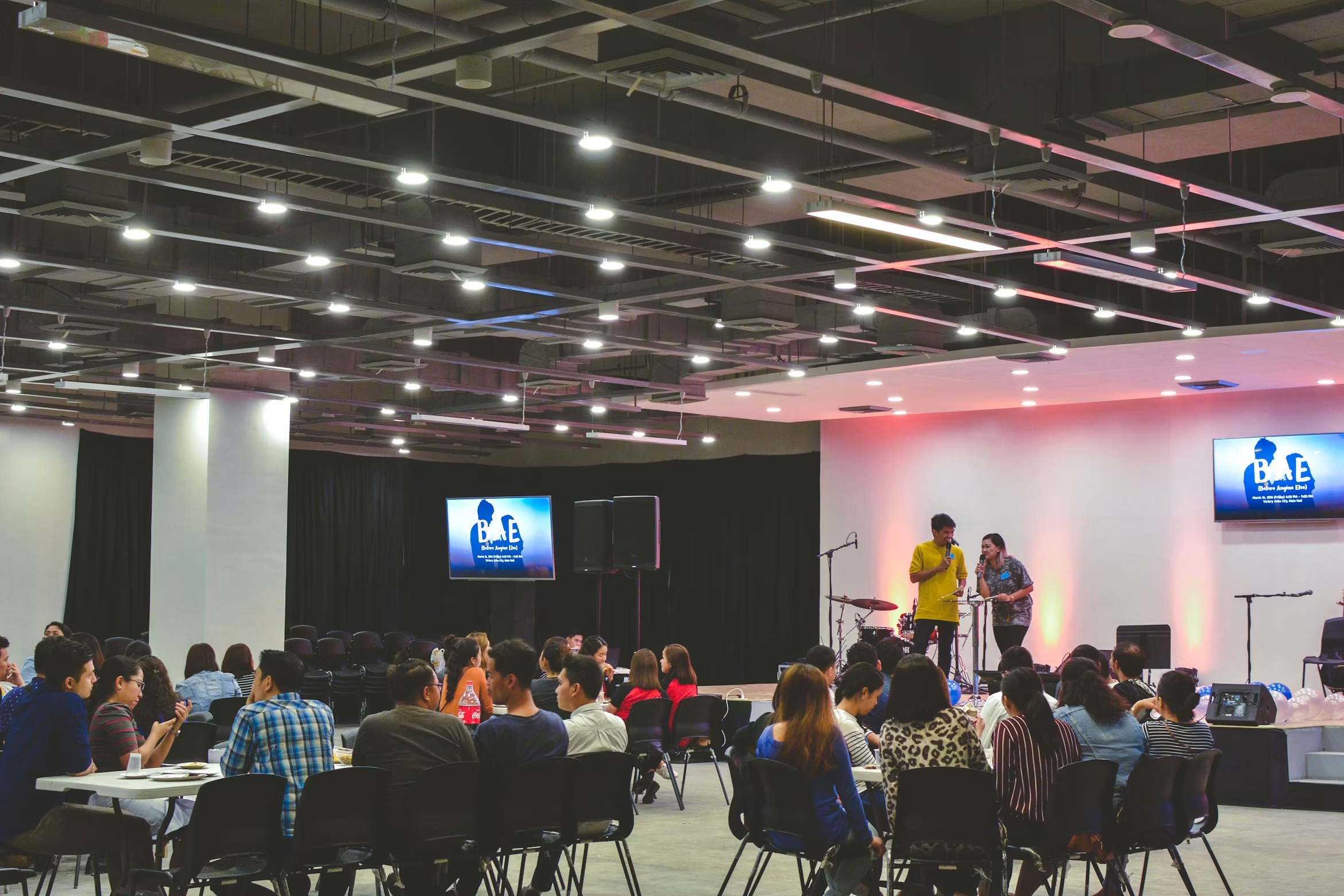
Northstar Summit
Scan to share your event photos


 +246
+246
Simple for every event
Add your company name, event name, date.
Put it on badges, presentation slides, table cards or event signage.
Bring together candid moments, team photos and behind-the-scenes memories.
Made for shared experiences
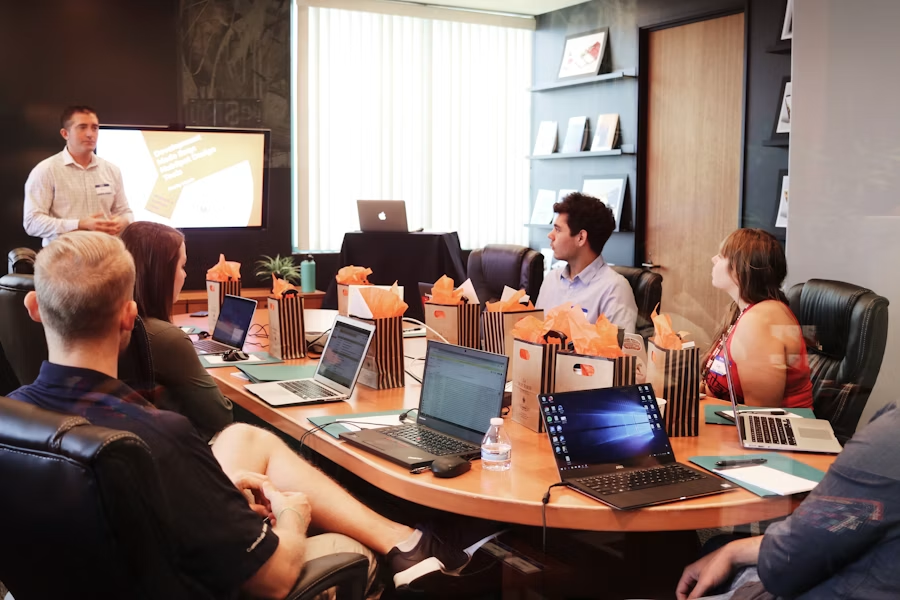
Make it easy for everyone to share the conversations, celebrations and spontaneous moments that make an event memorable.
No app required
Attendees upload directly from their browser.
Original quality
Keep presentations, people and details sharp.
Photos and videos
Collect keynotes, activities and team moments.
Private by default
All your media goes to your private Google Drive album.
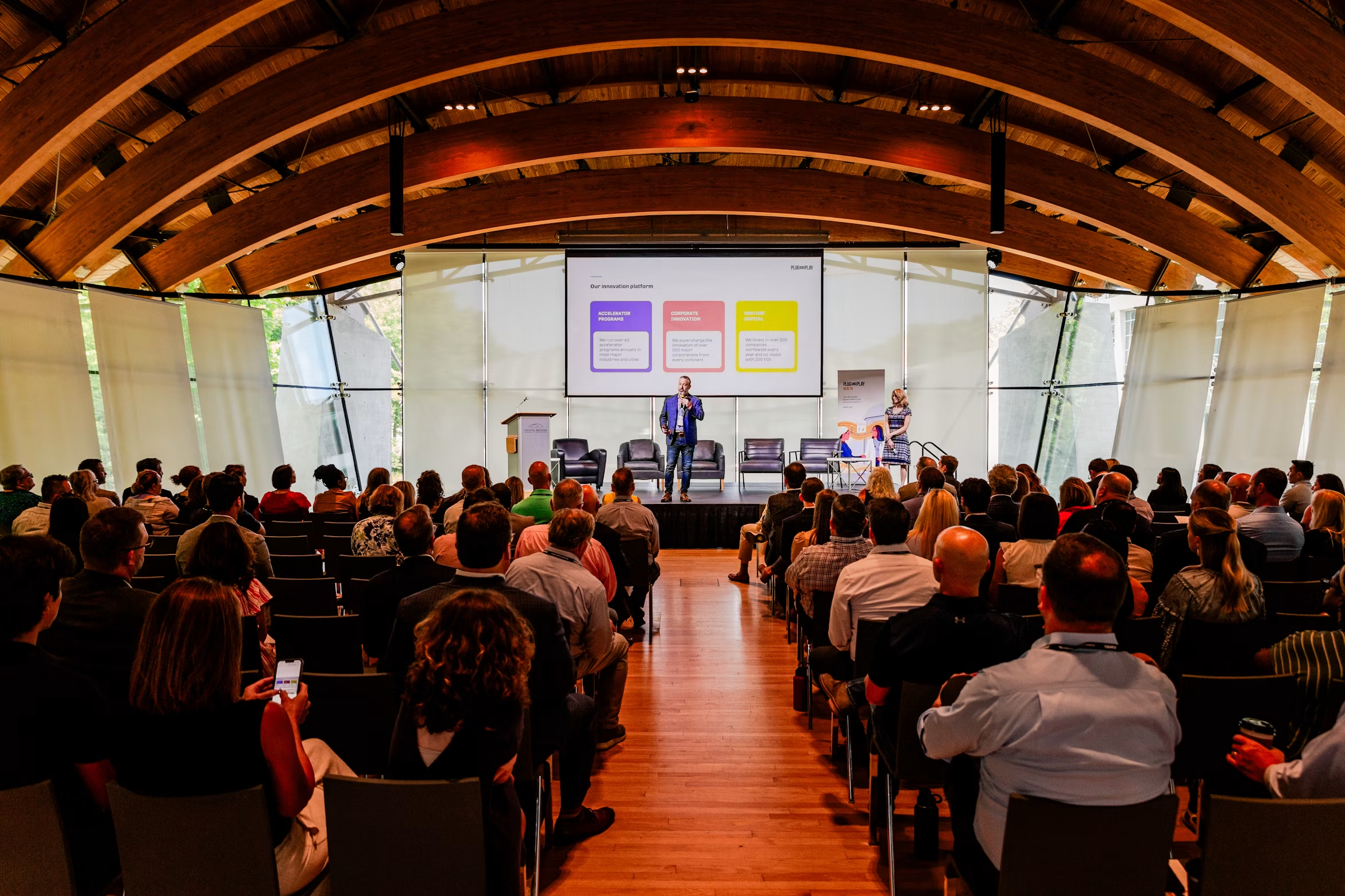
Works for every kind of corporate event.
Frequently asked
No. Attendees scan your code and upload directly through their browser.
Yes. Guests can contribute event photos and videos from their phones.
You control the album, and all uploaded media is saved directly to your private Google Drive.
Keep every memory
Share one QR code and let your team help tell the full story of your conference, party or offsite.
Create album