Create your album
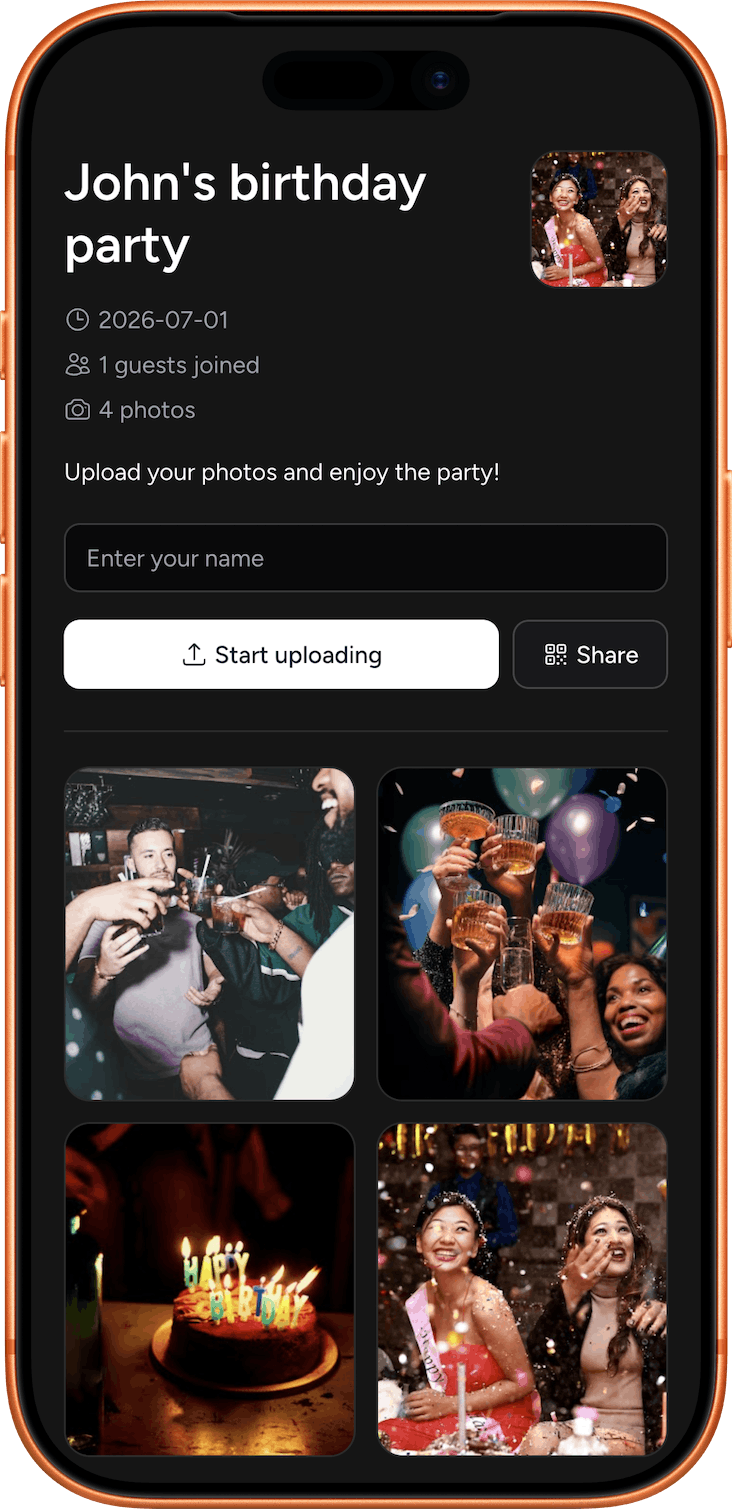
Add the birthday person’s name, date and favorite cover photo.
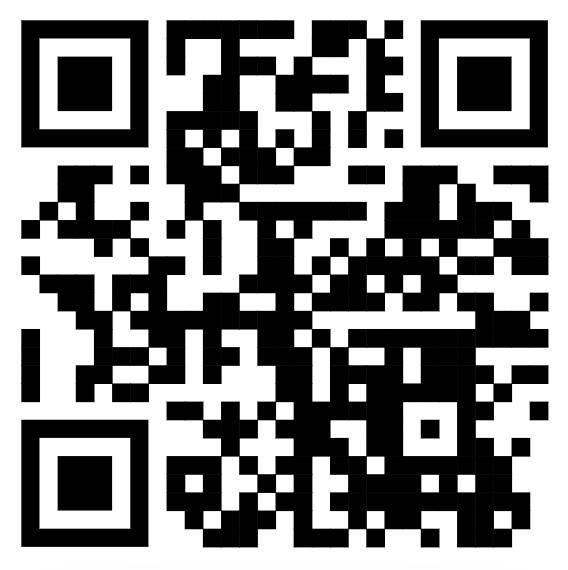
Share one QR code and let everyone add their photos and videos to your private birthday album in your Google Drive.



Alex's 30th birthday
Scan to share your photos


 +86
+86
Simple for everyone
Add the birthday person’s name, date and favorite cover photo.
Put it on the invitation, party table or welcome sign.
Guests’ photos and videos arrive together in your private album.

Made for real celebrations
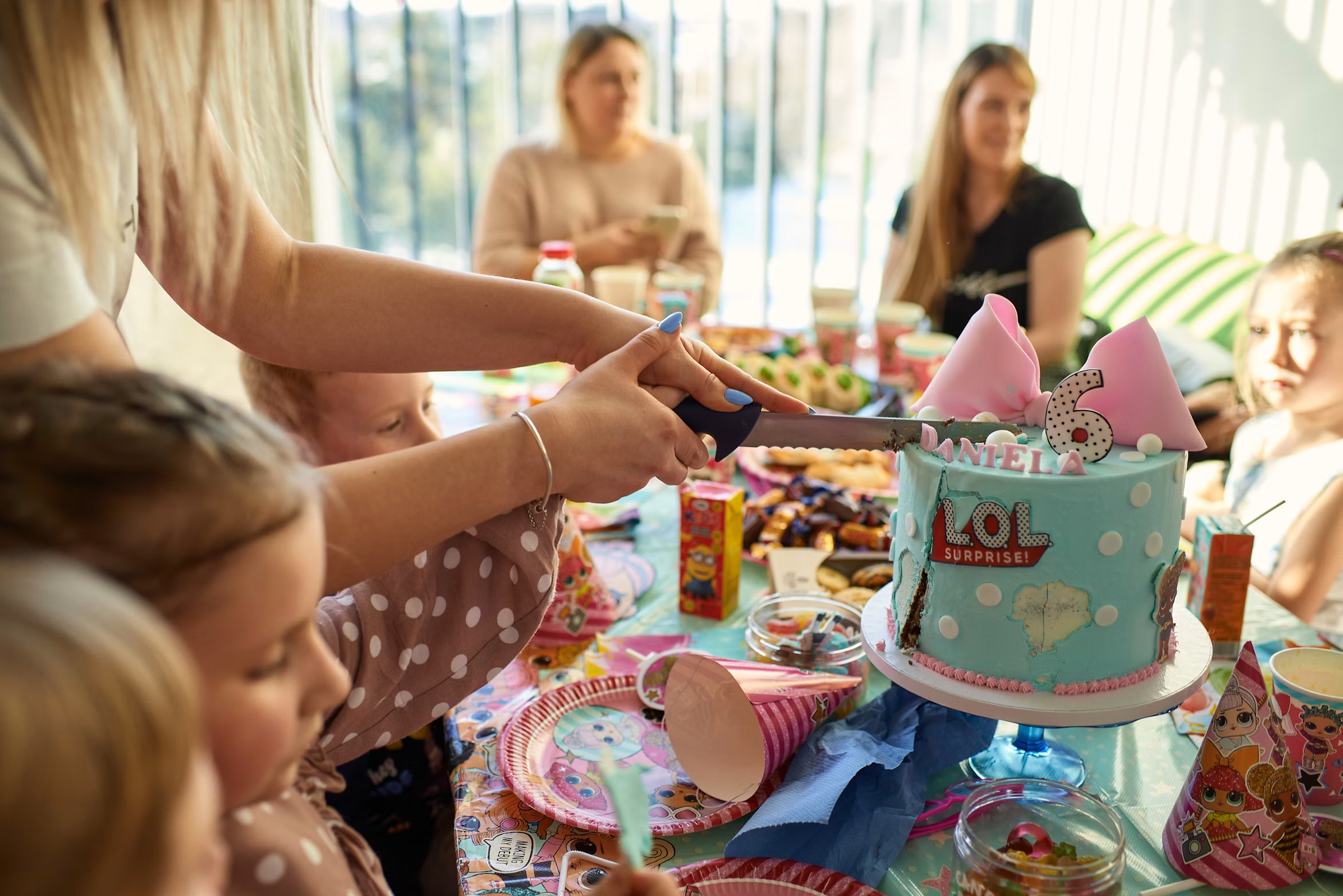
Capture the jokes, dance-floor moments and surprise memories you might otherwise miss.
No app required
Guests upload directly from their browser.
Original quality
No compressed group-chat images.
Photos and videos
Collect the whole celebration in one place.
Private by default
All your media goes to your private Google Drive album.
“Everyone added their favorite moments, and we had the whole birthday story in one place.”
Rob · Birthday album
Frequently asked
No. Guests scan your code and upload directly through their browser.
Yes. Guests can contribute both birthday photos and videos.
Yes. Your media is saved directly to your private Google Drive album.
Keep every memory
Share one QR code and enjoy the party while your guests help tell the full story.
Create album